
tech

From Tickets to Set Times: How Planner by Yahoo Mail Can Keep Your Festival Weekend on Track

Festival plans overwhelming your inbox? Planner organizes them for you

UNIV 14 720x780
PureWow/Yahoo

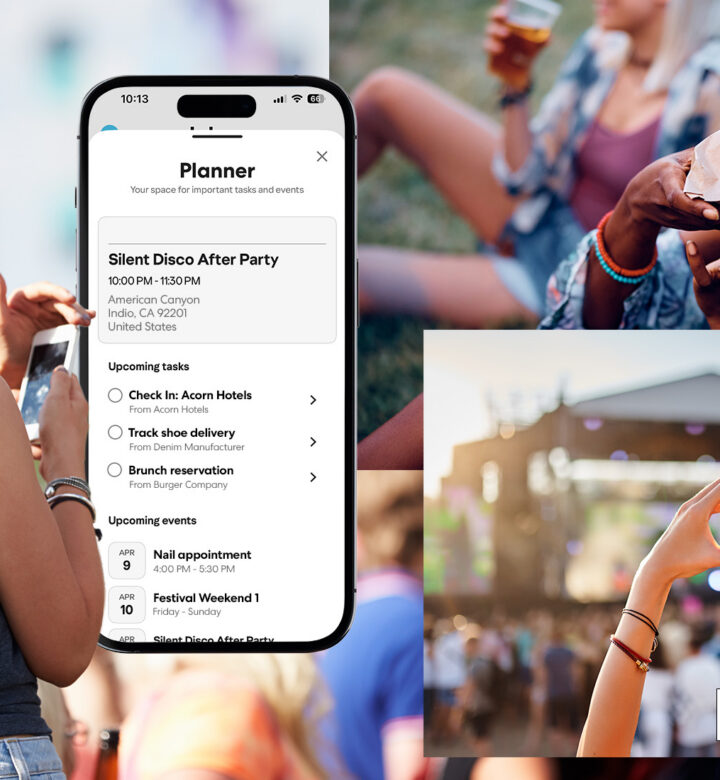
Festival weekend is coming up, and you’ve been wheeling and dealing your own personal itinerary with friends for weeks. But now that the fun part (i.e. the actual experience) is approaching, the overwhelm sets in, not to mention FOMSI (fear of missing something important). That’s where Planner by Yahoo Mail comes in.

For those unfamiliar, this is not your typical organizational tool. Planner pulls key details from your emails—like tickets, confirmations and reservations—and turns them into tasks and events you can see in one place. (Even better, it lives inside the Yahoo Mail mobile app, so no separate download is required.) After all, technology should enhance our lives, not make it harder. Here are the best ways to utilize Planner by Yahoo Mail this festival season—and beyond.

In Article 1 1 1200x706
PureWow/Yahoo

1. It Organizes the Critical Info All in One Place

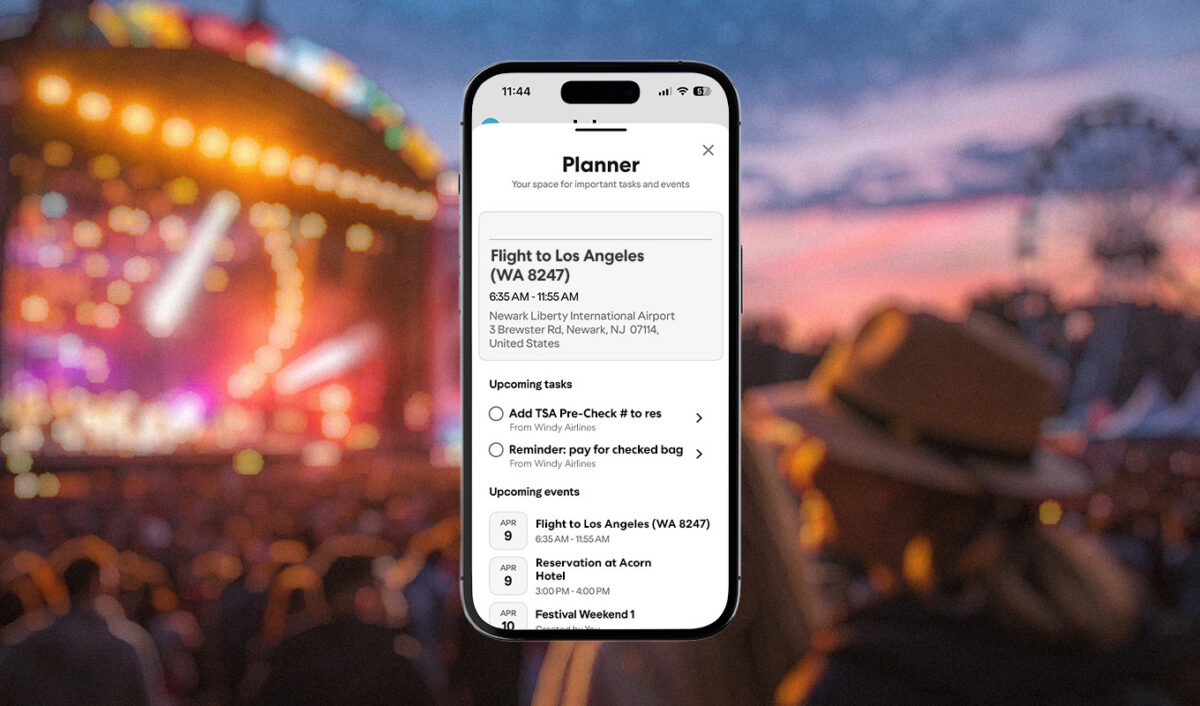
Flight details, hotel confirmations, heck, maybe you even arranged for a car service in advance (you deserve it). Our busy lives mean we’re often booking these moments ad hoc versus all at once. This is where Planner by Yahoo Mail comes in. The typical trajectory would have us searching our inbox in a panic for travel details the night before. Planner pulls key details from your email and turns them into tasks and events. When something important arrives in your inbox, all you have to do is swipe and tap “+Planner,” and the app will import the pertinent info from there. It all lives on a dedicated Planner screen, so that, upon arrival, it’s easy to see all the tasks and events you mapped out in advance.

2. It Provides a Bird’s Eye View of the Weekend (So You Can Spot Any Overlap)

Like we said, festival weekend is near, so now’s the perfect time to use the Planner feature to call up your entire schedule (and list of events) in one place. To access the Planner feature, simply open Planner in the Yahoo Mail app and you’ll see all your tasks and events in one place, making it easier to spot any schedule conflicts.

3. RSVPs and Event Confirmations Can Be Managed Here, Too

We all know how festival weekend goes—a flurry of activity, plus places to go and people to see. Of course, you made the effort to set your schedule up ahead of time, but for the invitations that appear day of, Planner by Yahoo Mail is designed to help with that, too. Once again, by simply swiping on an email and tapping “+Planner,” relevant tasks and event details are added and organized in Planner. But there’s more: View the Planner dashboard to stay on top of what matters—like pending RSVPs—so nothing slips through the cracks.


PureWow Editors

Editorial Team

Our editorial team works with a variety of writers and experts across all fields to produce thoroughly researched stories that resonate with you. Our mission is to be that well-informed best friend who's always got your back, whether you need advice on dealing with toddler tantrums or the best no-chafe workout shorts to buy.